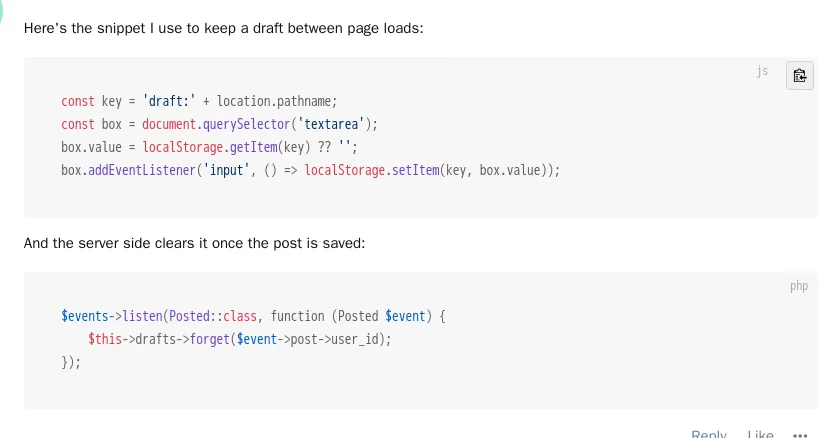
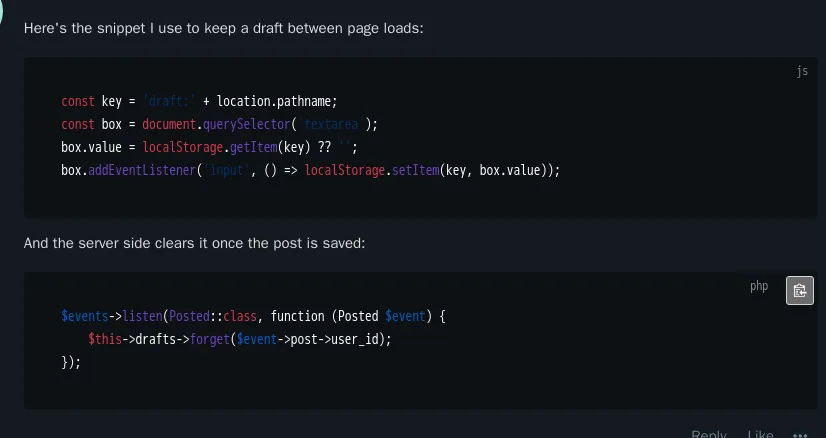
LR Clipboard adds a copy button to every code block in posts, plus a small label showing the code's language.
What it does
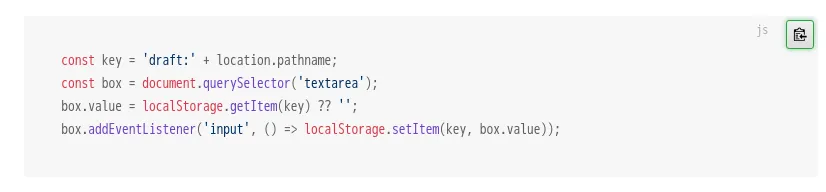
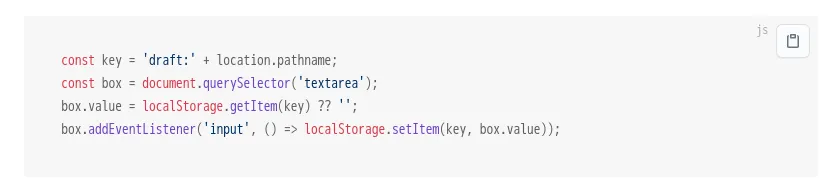
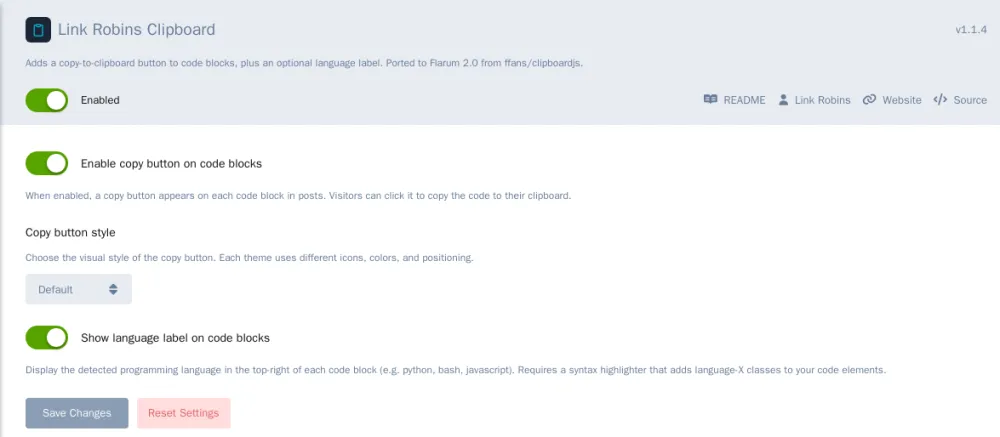
- Copy button. Hover over a code block and a copy button appears in the corner. Click it and the code is on your clipboard. The button flashes a tick to confirm.
- Language label. When a code block says what language it's in (
```js, ```php and so on), the name shows in the top-right corner.
- Seven button styles, including GitHub, CSDN, Jianshu and SegmentFault looks, so it can match your theme.
Each feature has its own switch, so you can use one without the other.
It's a Flarum 2 port of ffans/clipboardjs by Golden. It uses the browser's built-in clipboard, so there's no extra library, and it falls back to the old copy method on older browsers.
Requirements
- Flarum 2.0 or later, PHP 8.3+
Install
composer require linkrobins/clipboard
Then enable it under Admin, Extensions, and pick a button style in its settings.
Source: https://github.com/linkrobins/clipboard
Packagist: https://packagist.org/packages/linkrobins/clipboard
Every release is posted below.