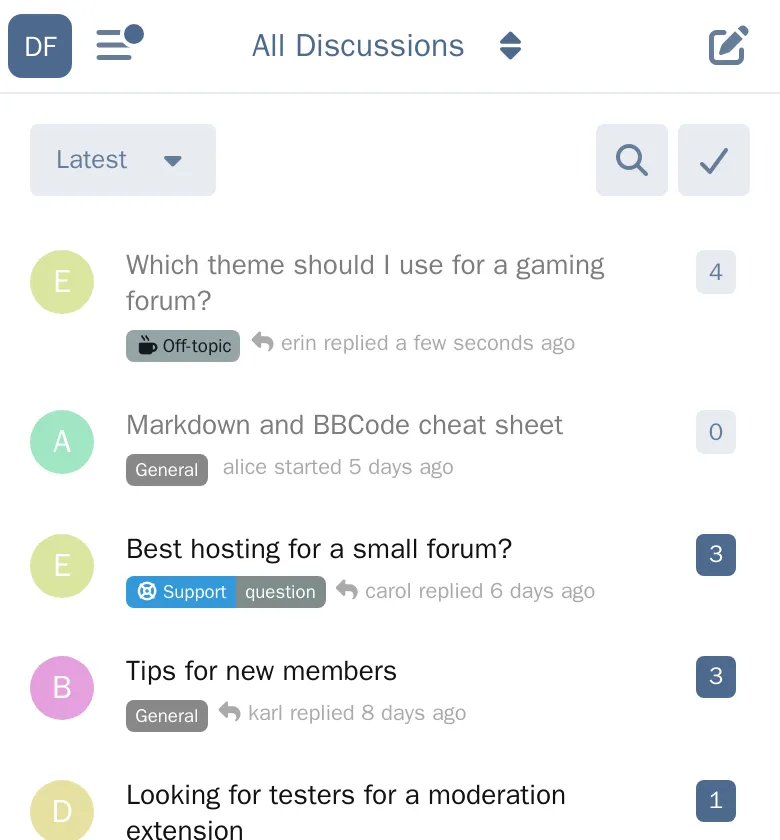
LR Mobile Logo puts your forum's logo in the navigation bar on phones, where visitors otherwise see a menu button and no sign of whose forum they're on.
What it does
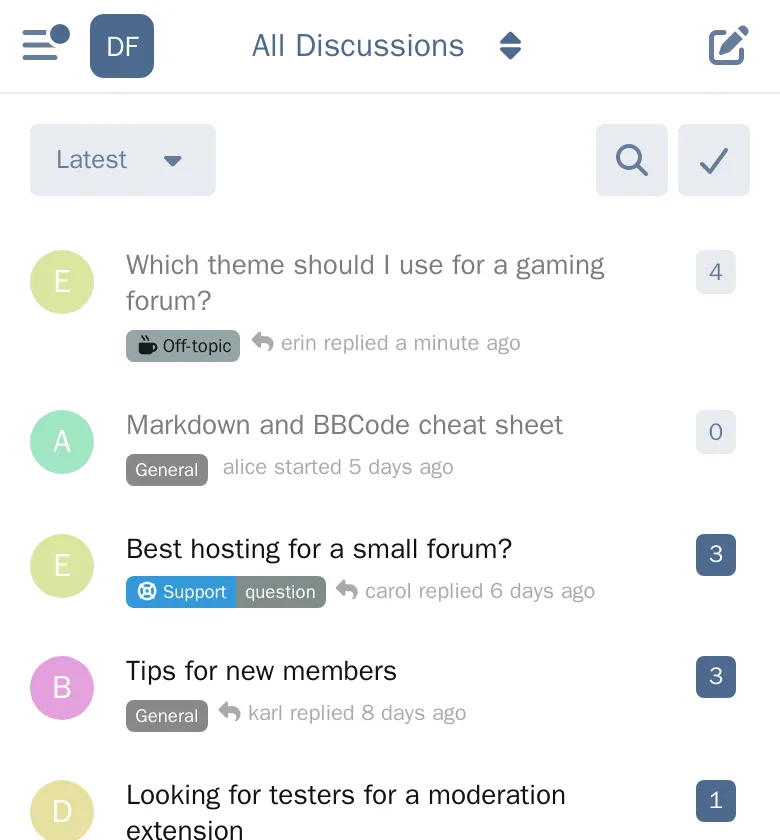
- Shows your logo in the phone navigation bar, next to the menu and back buttons.
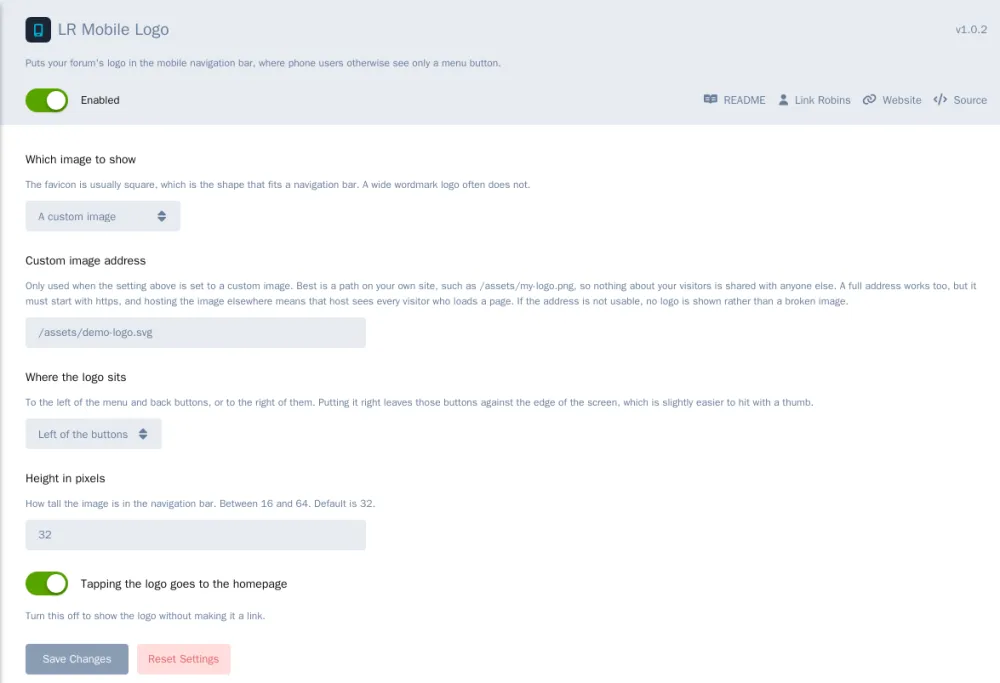
- Uses an image you already have. Your favicon by default, since it's square and that's the shape the bar has room for. You can use your forum logo instead, or any image address.
- Taps through to the homepage, like the logo on desktop. You can turn that off.
- Left or right of the buttons. Right keeps the buttons against the screen edge, which is a little easier to reach with a thumb.
- A height setting from 16 to 64 pixels.
- Stays out of the way on desktop, where the header already shows your logo.
If the image can't be shown (a bad address, a missing file, an http:// image on an https:// forum), nothing is shown instead of a broken image.
What it doesn't do
- It doesn't replace your header logo. Only the phone navigation bar changes.
- It doesn't resize or crop your image. A wide wordmark gets scaled down to fit and can end up tiny, which is what the favicon option is for.
The idea comes from a CSS tweak by @010101a on discuss.flarum.org. That tweak still works if all you want is a fixed picture. This adds what CSS can't: a real image that links home, alt text for screen readers, your forum's own favicon or logo instead of a hardcoded address, and the size as a setting.
Requirements
- Flarum 2.0 or later, PHP 8.3+
Install
composer require linkrobins/mobile-logo
Then enable it under Admin, Extensions. It uses your favicon until you pick something else.
Source: https://github.com/linkrobins/mobile-logo
Packagist: https://packagist.org/packages/linkrobins/mobile-logo
Every release is posted below.